



Magicspins App
The Magicspins app runs as a Progressive Web App (PWA) – it loads through your browser and gives you the full casino experience in one place: games, wallet, and account settings. Setup takes under a minute. Add a shortcut to your phone home screen and get into your Magic Spins account in a couple of taps, with nothing to install or update manually.



Magicspins on Mobile
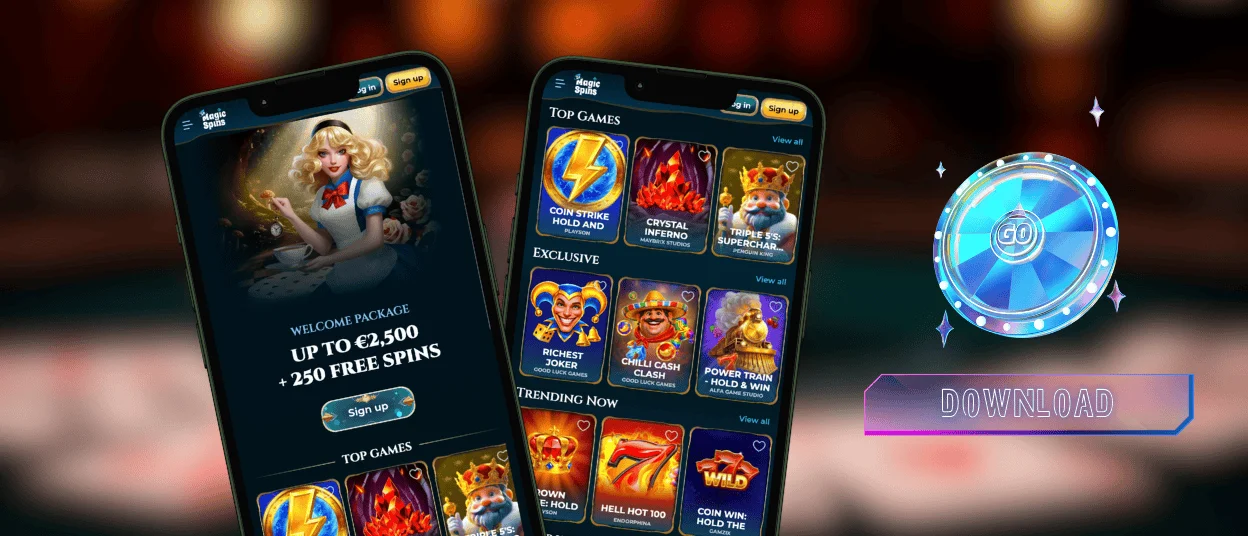
Playing on a phone at Magicspins Casino feels noticeably different from opening a desktop tab. Our platform scales the layout to touch from the ground up, so buttons are sized for thumbs, not a cursor. Game sessions and wallet deposits open inside one browser window. Live chat with the Support Team is right there too – no jumping between apps or separate pages.
One advantage that is easy to overlook: the Magicspins app skips the performance overhead of a full browser session running background extensions. The login process is fast, and push notifications reach you on promotions and bonus updates without needing the browser open, keeping the Magic Spins gaming experience connected throughout the day.
Mobile vs. Desktop: Feature Comparison
| Feature | Mobile (PWA) | Desktop Browser |
|---|---|---|
| Game library | Full catalog of 6,000+ titles including online slots, crash games, and live tables | Complete catalog with higher-resolution rendering on larger screens |
| Account access | Wallet, bonuses, transaction history, and responsible gaming controls | Full account functionality including multi-tab browsing and session management |
| Authentication | Fast login via saved credentials; session stays active between visits | Standard login with optional 2FA for additional account security |
| Notifications | Push notifications for promotions, bonuses, and account updates | Browser notifications available in Chrome, Firefox, and Edge |
| Support | Live chat via the Support Team – accessible within the mobile session | Live chat available on all desktop browsers without additional steps |
| Setup | No app store download – add a home screen shortcut for quick launch | No installation needed – runs in any supported browser directly |
Best Use Cases for Mobile
Short sessions work particularly well on the Magicspins app. Online slots need no configuration to start – pick a title and spin. Live casino tables stream well on 4G or a steady Wi-Fi signal, and the touch controls map naturally to the interface. Activating a bonus or checking transaction history in the Magicspins Casino account dashboard is quick on a compact screen.
Longer tournament sessions are still more comfortable on desktop, where a bigger display makes leaderboard columns easier to read. Both environments draw on the same catalog and the same bonus terms, so nothing is locked to one platform.
Magicspins on Android
Chrome is the natural starting point on Android. Open our Magicspins Casino site there, tap the three-dot menu in the address bar, and select Add to Home Screen to pin a shortcut that opens in a standalone window – no browser chrome visible. The site runs smoothly on Android 8.0 and above, though devices on Android 12 through 14 load noticeably faster due to improved memory handling in those versions.
Every title in the Magicspins app catalog is available on Android, including online slots from providers such as Pragmatic Play, NetEnt, BGaming, and Evolution. The Magic Spins layout shifts between portrait and landscape on its own as you rotate the device, and live dealer streams hold up well on a reliable mobile connection.
Magicspins for iPhone and iPad
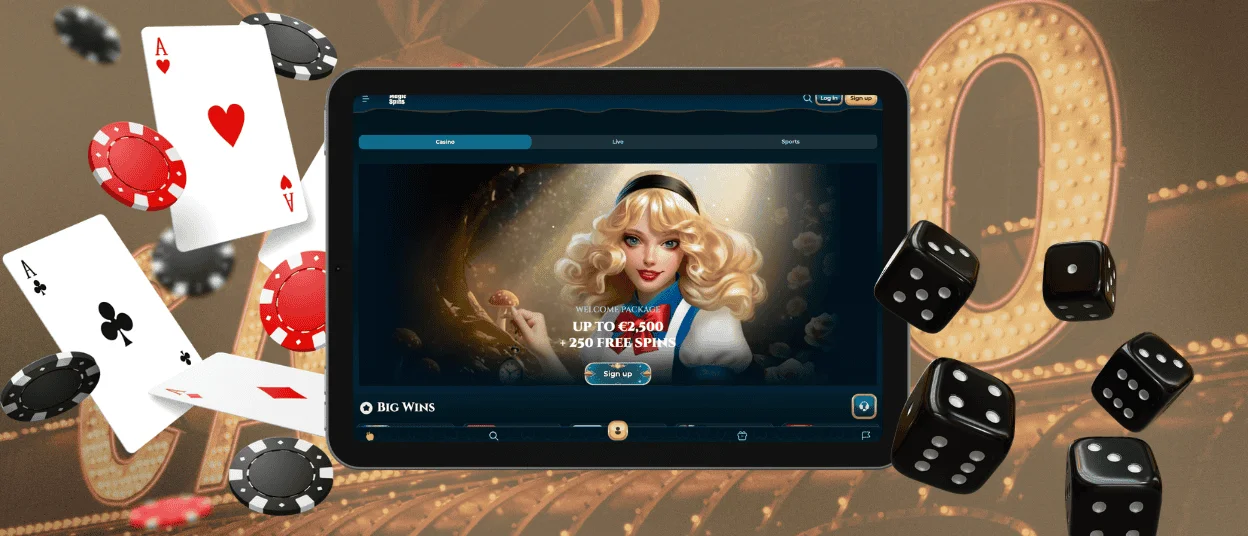
Safari is the right browser for our Magicspins app on iPhone and iPad.
- Open the Magicspins website in Safari.
- Tap the Share button at the bottom of the screen.
- Select Add to Home Screen.
- Confirm the shortcut creation.
Launch from the home screen icon and the address bar disappears, creating an experience that feels close to a native application. Compatibility starts at iOS 14 and covers every current iPhone and iPad model.
On iPad, the extra screen real estate makes live dealer table layouts noticeably easier to follow. Our mobile casino layout scales to the larger display without losing any features, and the account login is just as quick as on iPhone. Account settings and the verification process work identically on iPad as on iPhone.
Magicspins on Desktop
Live dealer sections and tournament leaderboards are where desktop pulls ahead of mobile. A wide monitor shows multiple camera angles and bet tables without scrolling, and a wired connection removes any buffering risk during live streams. Our Magicspins Casino loads in all current desktop browsers with no plugin and no separate launcher.
For extended online slots sessions, a large screen and easy navigation between game categories keeps the session fluid. Players reviewing session stats will find the Magic Spins Casino layout more readable on a wider display than on any phone – and the Magicspins app syncs everything the moment you switch back to mobile.
Browser Access
All major browsers work on desktop – Chrome and Firefox included, along with Safari, Edge, and Opera. Nothing extra is needed before launching a game – log into your Magicspins account, pick a title, and play. Every connection between your browser and Magic Spins servers runs over TLS 1.3 with 256-bit AES encryption, enforced automatically on every request.

Cross-Device Access and Synchronization
Switch from your phone to a laptop mid-session, and your balance, active bonuses, and transaction history are exactly where you left them. We store everything server-side at Magicspins, so there is nothing to sync manually. The verification process status and your responsible gaming limits all reflect immediately on whichever device you sign into the Magicspins Casino from next.
Platform Compatibility Overview
| Platform | Supported OS / Version | Access Method | Cross-Device Sync |
|---|---|---|---|
| Android | Android 8.0+ | Chrome or Chromium-based browser; Add to Home Screen shortcut in Chrome | Full – balance, bonuses, and history sync on login |
| iOS (iPhone / iPad) | iOS 14+ | Safari browser; Share then Add to Home Screen for a shortcut | Full – account state updates in real time across all devices |
| Windows | Windows 10 / 11 | Chrome, Firefox, Edge, Opera – no installation required | Full – desktop and mobile sessions share one account environment |
| macOS | macOS 11+ | Safari, Chrome, Firefox – browser-based, no plugin needed | Full – wallet, verification status, and limits stay consistent across devices |
Live chat through the Support Team is available on every device and browser in the table above. A brief dropped connection on mobile does not trigger a new login – the platform holds the session state on the same device until you reconnect.
FAQ
Are connections in the Magicspins app encrypted?
Short answer: yes, and it covers everything. Login requests, wallet transactions, and live game data all travel over TLS 1.3 with 256-bit AES keys. The encryption in the Magicspins app runs on every page load automatically, regardless of browser or operating system. On Android or on macOS, the same protocol is in place without any setup on your side.
Is the mobile game library the same as on desktop?
Our full Magicspins Casino catalog is available on mobile. More than 6,000 games from providers including Evolution, Pragmatic Play, BGaming, NetEnt, and Spinomenal load through any supported browser on a phone or tablet. Online slots, live dealer tables, crash games, and instant win titles all appear in the same sections you would find on desktop.
Can I activate the Magicspins welcome offer from my phone?
Nothing about the welcome offer requires a desktop. After registration, depositing a minimum of €20 through the wallet section on your phone triggers the bonus automatically – no code needed. The package adds up to €1,500 plus 250 Free Spins across three stages. Wagering progress updates in real time inside the Magicspins Casino mobile account, so you can track every stage from the same Magic Spins session.


